 FeedMii
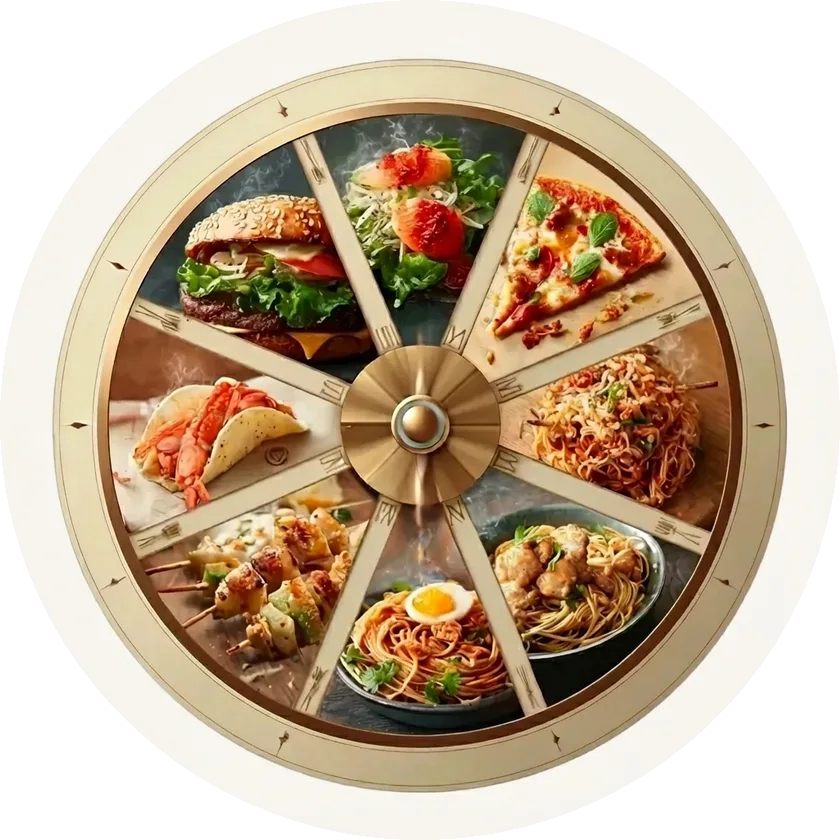
How to use the food wheel
- Turn on only the cuisines you'd genuinely be happy with. A shorter wheel gives a better answer.
- Spin once and commit. Allow one re-spin if the result is a real no, then stop.
- Want a place to eat it? FeedMii shows well-rated places nearby that serve the dish.
Want swipe cards, drinks and nearby places?
The FeedMii app lets you swipe through dishes or spin the wheel, then shows well-rated places nearby that serve your pick. Free for iPhone and iPad.
Download free for iPhoneFrequently asked questions
What should I eat today?
Pick the cuisines you would be happy with, spin the wheel above and go with the result. If it lands on something you really don't want, remove it and spin once more. Allowing one re-spin and no more keeps the decision quick.
Is this food wheel free?
Yes. The wheel works in any browser, with no sign-up. The FeedMii app (free for iPhone and iPad) adds swipe cards, drinks and nearby places that serve the dish you picked.
Can the wheel pick a restaurant near me?
The web wheel picks a dish. To see well-rated places nearby that serve it, open the dish in the FeedMii app (free for iPhone and iPad).
Can I add my own foods?
Yes. Type a dish into the 'Add your own' box and it joins the wheel. You can remove any slice by tapping it in the list under the wheel.